
Preparing school forms can be stressful, especially during checking season. Aside from making sure that learner information, grades, attendance records, and supporting documents are accurate, teachers also need to keep the documents organized and easy to review.
To help teachers prepare cleaner and more presentable files, EduFilesPH is sharing these free editable School Forms Cover Templates. These cover pages are designed in PowerPoint format, so teachers can easily edit the text, add school details, insert logos, and print the pages for their class records.
These templates can be used as cover pages for different DepEd school forms such as SF1, SF2, SF3, SF4, SF5, SF9, and SF10.
Resource Information
Resource Type: School Forms Cover Template
File Format: Editable PowerPoint file
Main Use: Cover pages for school forms and checking folders
Recommended Users: Class advisers, teachers, school form coordinators, school heads, and checking committees
Included Covers: SF1, SF2, SF3, SF4, SF5, SF9, and SF10
Customization: Editable text, school details, grade and section, adviser name, school year, and logo placeholders
Print Size: A4 or school-preferred paper size
About These School Forms Cover Templates
The School Forms Cover Templates are editable PowerPoint files created to help teachers organize school forms in a clean and professional way.
Instead of creating cover pages from scratch, teachers can use these ready-made templates and customize them based on their school, grade level, section, school year, and adviser name.
These cover templates are useful when preparing documents for:
- school forms checking;
- class adviser records;
- school-based validation;
- district checking;
- division checking;
- end-of-school-year documentation;
- learner record organization; and
- printed school form folders.
Why Cover Pages Are Useful During School Forms Checking
The most important part of school forms preparation is the accuracy of the data. However, proper organization and presentation also matter because they help make the checking process faster and easier.
A clear cover page can help:
- identify the school form immediately;
- separate documents by form type;
- make folders easier to scan and review;
- help checking committees locate the needed form faster;
- keep class records neat and uniform;
- make printed documents look more professional;
- reduce confusion during checking; and
- protect school forms when placed inside folders or clear books.
For example, instead of mixing SF1, SF2, SF5, SF9, and SF10 in one folder without labels, a teacher can use a separate cover page for each form to make the records easier to review.
What’s Included in the Template Pack?
The downloadable template pack includes editable cover pages for common school forms.
| Cover Template | Form Description |
|---|---|
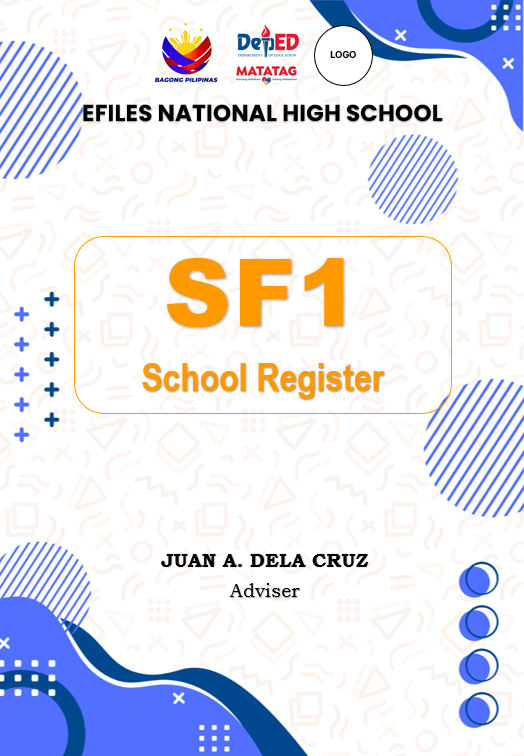
| SF1 Cover | School Register |
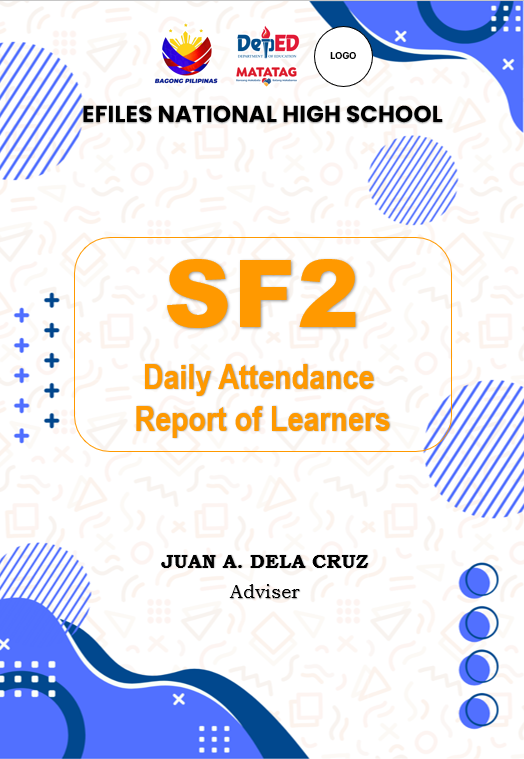
| SF2 Cover | Daily Attendance Report of Learners |
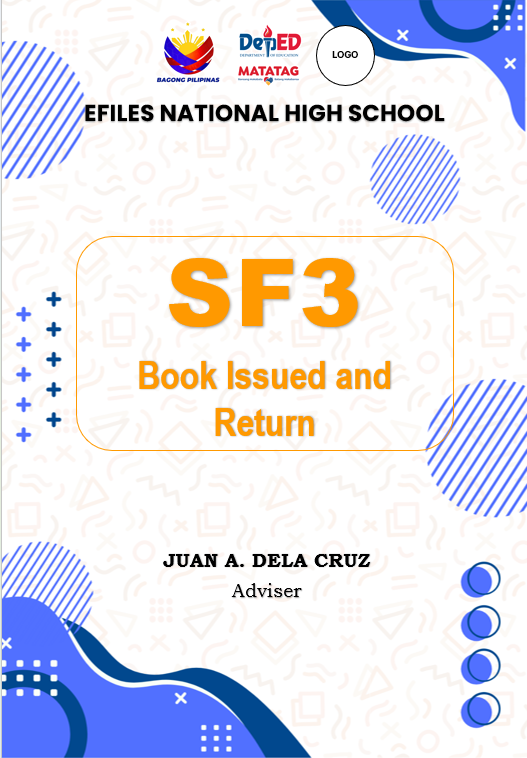
| SF3 Cover | Books Issued and Returned |
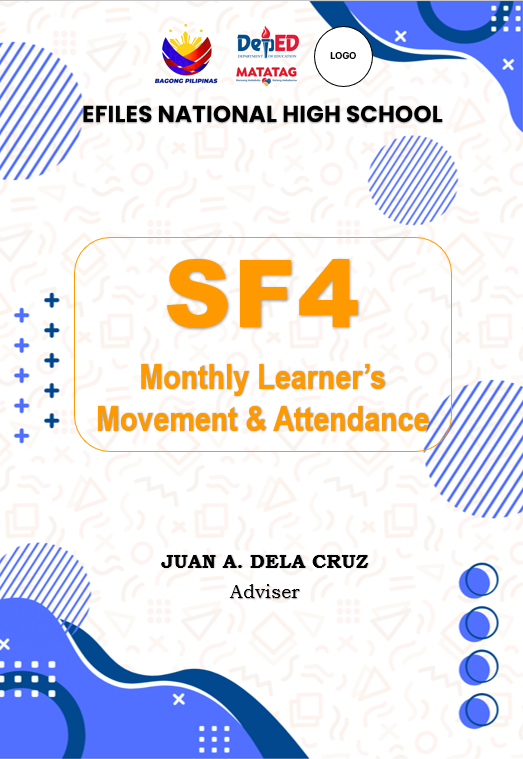
| SF4 Cover | Monthly Learner’s Movement and Attendance |
| SF5 Cover | Report on Promotion and Level of Proficiency |
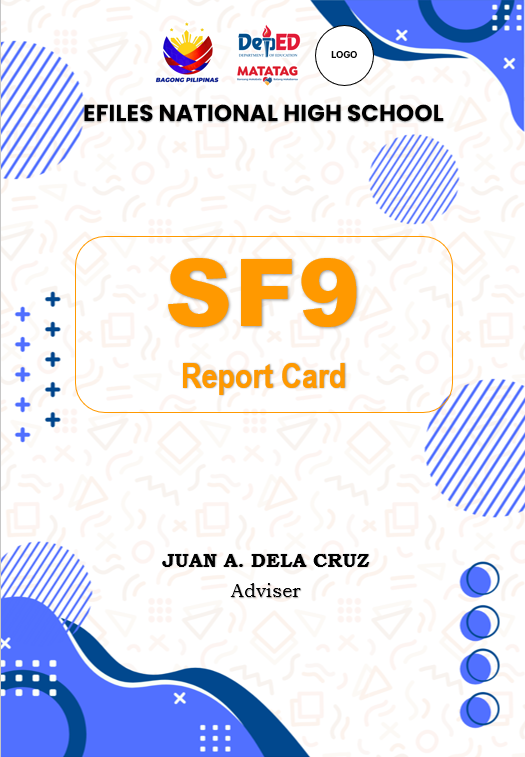
| SF9 Cover | Learner’s Progress Report Card |
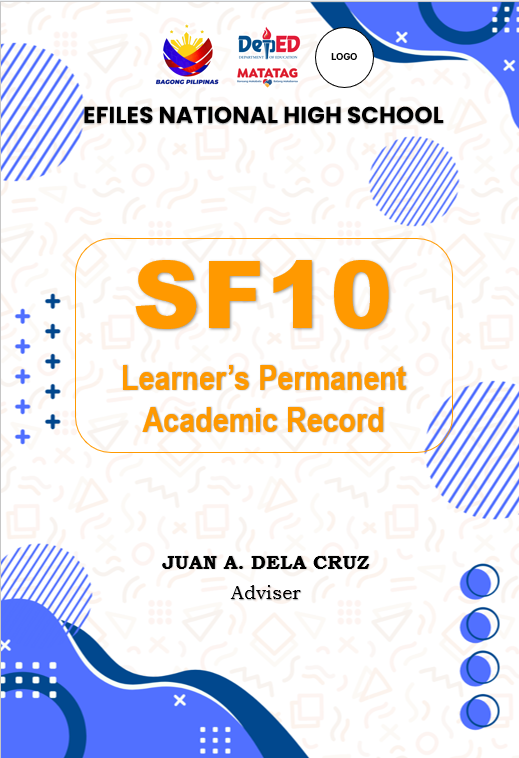
| SF10 Cover | Learner’s Permanent Academic Record |
These cover pages can help teachers organize their class records based on the specific school form being prepared or submitted.
Key Features of the Templates
The actual design may vary depending on the version of the file, but the School Forms Cover Templates may include:
- editable PowerPoint layout;
- clean and professional cover design;
- separate cover pages for different school forms;
- space for school name;
- space for school logo;
- adviser name field;
- grade and section field;
- school year field;
- form title and description;
- printable page layout;
- easy-to-edit text boxes;
- teacher-friendly formatting; and
- reusable format for future school years.
How to Customize the Cover Pages
Since the templates are prepared in PowerPoint, teachers do not need advanced design skills to use them.
Follow these simple steps:
- Download the School Forms Cover Template pack.
- Open the PowerPoint file.
- Save a backup copy before editing.
- Choose the cover page you need.
- Edit the school name.
- Encode the adviser name.
- Add the grade and section.
- Update the school year.
- Insert your school logo or division logo if needed.
- Review all details before printing.
- Print the cover page using your preferred paper size.
Suggested Details to Add
To make each cover page more useful, you may include the following details:
- school name;
- school ID, if needed;
- district or division;
- grade level;
- section;
- adviser name;
- school year;
- form name;
- form description;
- quarter or term, if applicable; and
- school logo or division logo.
Keep the details short and readable. Avoid adding too much text so the cover page stays clean.
Printing Tips
Before printing the cover pages, check the layout and print settings.
Recommended printing reminders:
- Use Microsoft PowerPoint for best compatibility.
- Check if the page size is set to A4 or your preferred size.
- Use high-quality print settings if available.
- Use clean white paper or board paper for a better output.
- Check the margins before printing.
- Print one test copy first.
- Avoid stretching logos or images.
- Make sure all text is readable.
- Keep a blank editable copy for future use.
Organization Tips for Teachers
A cover page works best when paired with a good filing system. Teachers may use folders, envelopes, clear books, or binders to organize the printed school forms.
You may organize your school forms using this simple method:
- one folder for SF1;
- one folder for SF2;
- one folder for SF3 and SF4;
- one folder for SF5;
- one folder for SF9;
- one folder for SF10; and
- one folder for supporting documents.
You may also use color-coded folders. For example, use a blue folder for attendance records, a red folder for promotion reports, and a green folder for learner permanent records.
Important Reminder About School Forms
These cover templates only help with organization and presentation. They do not replace the official school forms, official checking process, or required learner records.
Teachers should still make sure that all school forms are:
- accurate;
- complete;
- updated;
- properly checked;
- aligned with school instructions;
- supported by required documents; and
- validated according to the school forms checking process.
The cover page makes the documents look organized, but the actual content of the school forms should still be carefully reviewed.
Preview of the Templates
Below is a preview of the School Forms Cover Templates included in the pack.

Important Reminder
These School Forms Cover Templates are shared to help teachers organize their school forms more conveniently. Please review and customize the templates based on your school’s preferred format and checking requirements.
If your school, district, or division provides a required cover format, please follow the official format.
If you notice any error, broken link, missing cover page, or formatting issue, please message or contact EduFilesPH so we can review and update the file when needed.
Please do not repost, resell, or claim these templates as your own. You may share the official EduFilesPH post link instead so other teachers can access the original source.
Frequently Asked Questions
Are these School Forms Cover Templates free?
Yes. These templates are shared for free to help teachers prepare cleaner and more organized school form folders.
What file format is used?
The templates are prepared in editable PowerPoint format.
Can I edit the text?
Yes. You can edit the school name, adviser name, grade and section, school year, and other text fields.
Can I insert my school logo?
Yes. You may insert your school logo, division logo, or other allowed school-related logos in the designated areas.
What school forms are included?
The template pack includes cover pages for SF1, SF2, SF3, SF4, SF5, SF9, and SF10.
Can I use these for Senior High School?
Yes. Since the templates are editable, you may revise the grade level, section, track, strand, or other details based on your SHS needs.
Are the fonts included?
The templates may use standard system fonts to make editing easier. You may also change the fonts based on your school’s preferred style.
Are these official DepEd templates?
No. These are not official DepEd-issued templates. They are supplementary cover page templates created to help teachers organize school forms more conveniently.
Can I use these for another school year?
Yes. You may update the school year and reuse the templates if your school allows the format.
Can I convert the PowerPoint file to PDF?
Yes. After editing, you may save or export the cover pages as PDF for easier printing.
Can I share these templates with other teachers?
You may share the official EduFilesPH post link. Please do not repost, resell, or claim the templates as your own.
Related Resources
You may also check these related EduFilesPH resources:
- Automated SF2 for SY 2026–2027
- SFCR1 and SFCR2 Excel Templates
- Automated SF8 Learner’s Basic Health and Nutrition Report
- Automated SF9 with Consolidated Grades Template
- Summary of Grades Template with Ranking and Awardee Indicator
- Test Item Analysis Template with Table of Mastery
- Free Three-Term Electronic Class Record for SY 2026–2027
Download the School Forms Cover Templates
You may download the editable School Forms Cover Template pack using the button below. Please review and customize the file before printing or using it for school form folders.
Available File

Disclaimer
EduFilesPH shares educational templates and resources to help teachers and school personnel. The files are provided as supplementary tools and should be used with proper checking and school guidance.
These School Forms Cover Templates are not official DepEd-issued templates. They are editable teacher-support resources created for convenience in organizing and labeling school form folders.
Users are advised to validate all school forms, learner records, labels, and supporting documents according to their school’s official checking procedures. EduFilesPH is not officially affiliated with the Department of Education unless clearly stated. Always refer to official DepEd issuances, school instructions, and division or regional directions when preparing official school records.